What is this about?
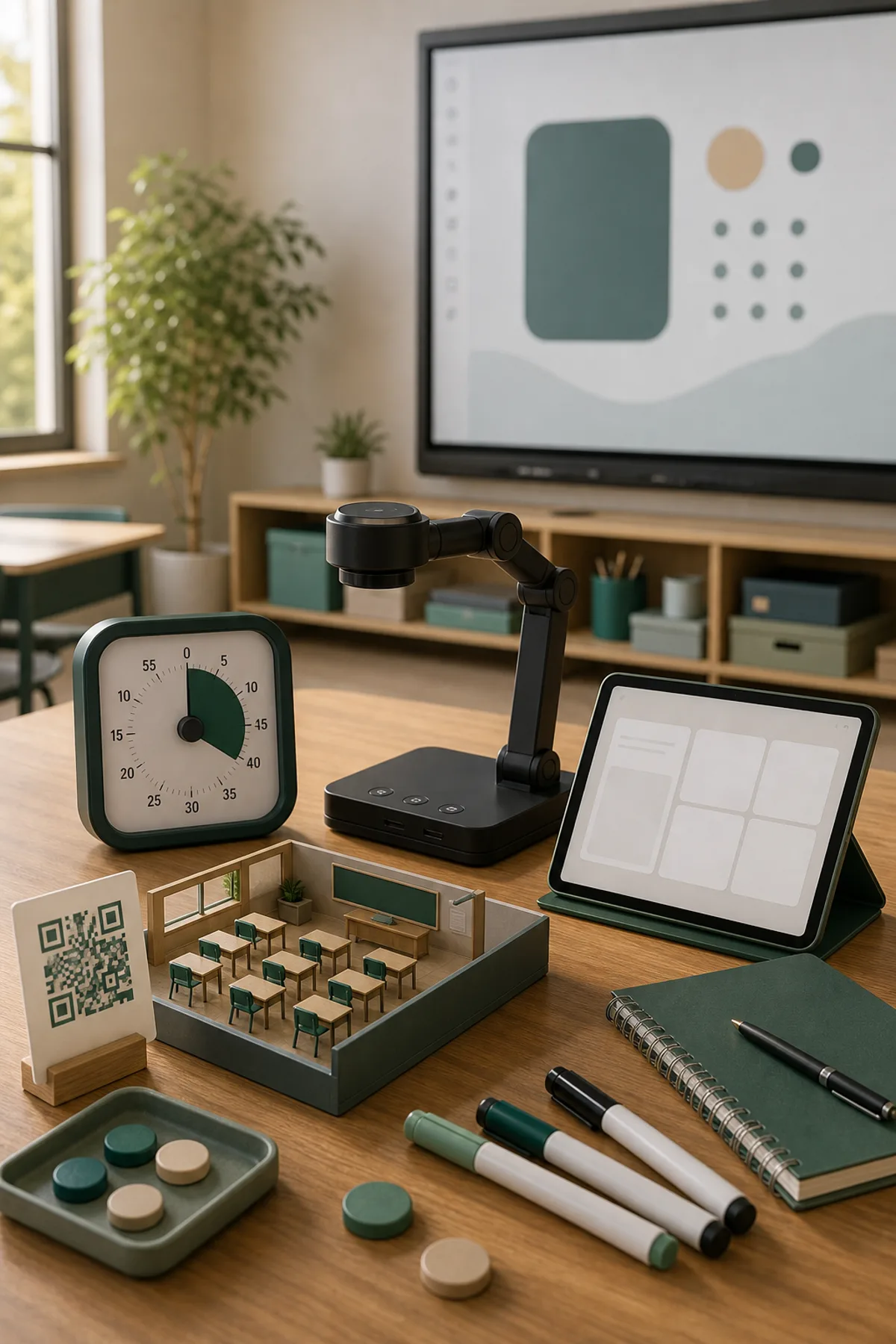
Classroom management works best when routines are clear and tools are easy to open. This topic page introduces CalmClass as a practical collection of browser-based teacher tools: visual timers, a classroom noise meter, seating support and quick reflection tools. The goal is not to add another complicated platform, but to make common classroom routines visible and easier to manage. Teachers can use these tools on a smartboard, projector, laptop or tablet. A timer can structure work phases, the noise meter can support group work, and reflection tools can help close a lesson with useful feedback. Used carefully, digital classroom management tools reduce friction: pupils know what is expected, the teacher spends less time repeating instructions, and transitions become calmer.
Classroom use
- Start or close a lesson with a focused digital activity
- Use the smartboard for a shared classroom phase
- Connect answers to short explanations
- Let pupils work individually or in pairs
Frequently asked questions
Can I use it without preparation?
Yes. The page leads directly to a browser-based activity and can be opened during a lesson.
Is it suitable for smartboards?
Yes. The pages and tools are designed for smartboards, projectors, laptops and tablets.
How do I make it more than a quick game?
Ask pupils to explain choices, compare strategies or connect the activity to the lesson topic.