What is this about?
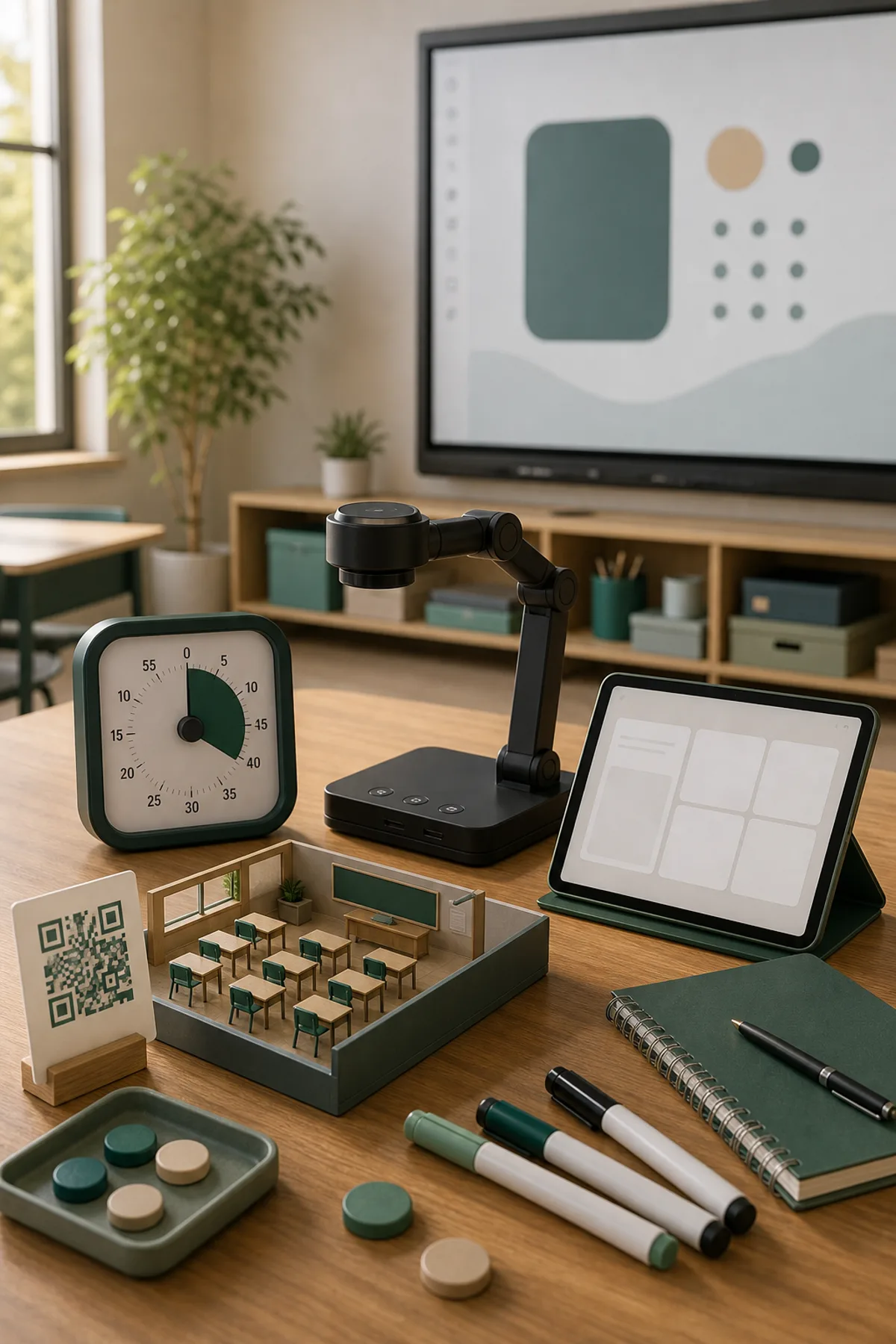
A visual timer helps pupils understand how much time is left without repeatedly asking the teacher. It is especially useful when a class needs to start, work, finish and switch phases together. The CalmClass visual timer runs directly in the browser and can be shown on a smartboard or shared screen. Teachers can use it for writing time, partner tasks, stations, quick quizzes, clean-up routines or short movement breaks. The most important point is clarity: pupils see the remaining time and can adjust their pace. A visual timer should not create pressure; it should make time predictable. Used with realistic durations and short reminders, it supports independence, calmer transitions and better lesson rhythm.
Classroom use
- Structure work phases visibly
- Support transitions and clean-up routines
- Use during stations, writing and partner tasks
- Help pupils plan the remaining time
Frequently asked questions
Why use a visual timer in class?
It makes remaining time visible and helps pupils organise their work without constant reminders.
Does it work on a smartboard?
Yes. It runs in the browser and is suitable for smartboards, projectors, laptops and tablets.
Can a timer create stress?
Only if the time is unrealistic. Used carefully, it creates orientation rather than pressure.